Building Your Apple Smart Home: A Personal Guide to HomeKit in 2025

Executive Summary
Ever wondered if an Apple smart home is right for you? It's more than just cool gadgets; it's about creating a secure, private, and seamless living space. In my years working with smart tech, I've seen Apple's HomeKit evolve into a powerhouse of simplicity and reliability. This guide is my personal walkthrough for you, whether you're just curious or ready to build. We'll start with the basics, explore the game-changing Matter standard, and I'll even share some pro tips I've learned for making your home truly smart, not just connected.
Table of Contents
Table of Contents
- What is Apple Smart, Really? A Personal Take on HomeKit
- The Foundation: How Apple HomeKit Actually Works
- The Game Changer: Why Matter is a Big Deal for Your Home
- Beyond the Home: Apple's Smart Tech in the Business World
- Your Step-by-Step Guide to Building a HomeKit Home
- Step 1: Choosing Your Home's Brain (The Hub)
- Step 2: Picking the Right Gadgets and Gear
- Step 3: Making it Smart with Scenes and Automations
- Putting HomeKit to Work: Smart Office Solutions
- Pro Tips: Taking Your Apple Smart Home to the Next Level
What is Apple Smart, Really? A Personal Take on HomeKit
When people talk about 'Apple Smart,' it's not just a marketing term. From my experience, it’s a whole philosophy baked into every product, and you really feel it when you start building a smart home. The core of this is Apple HomeKit, which is Apple's framework for home automation. What I've always appreciated, and why I recommend it to friends and clients, is its relentless focus on three things: simplicity, security, and privacy. In a world where other smart gadgets can feel clunky or seem more interested in your data, Apple's system is a breath of fresh air. It’s built for people who are already comfortable with iPhones and iPads and want that same smooth experience in their home. This commitment has pushed the whole industry forward, making everyone think harder about how they protect our personal information. For businesses, especially smaller ones like boutique hotels or modern offices I've worked with, this security isn't just a feature; it's a core benefit that provides real peace of mind for them and their clients.
The Foundation: How Apple HomeKit Actually Works
To really get why HomeKit feels so solid, you have to look under the hood a bit. HomeKit isn't a single product you buy off a shelf; it's the secure language that lets your lights, locks, and thermostats talk to your iPhone. All this conversation is managed right in the Home app, which is probably already on your Apple devices. The real hero of the system is the 'home hub'—an Apple TV or a HomePod. I have both in my house, and this device is what makes everything click. It stays at home and acts as a secure gateway, letting you control things when you're at work or on vacation. It also runs all your automations. What's crucial here, and a point I always stress, is that all communication is end-to-end encrypted. Even Apple can't see what you're doing. That's a huge deal. When you're thinking about putting smart locks on your doors, knowing your data is private provides immense comfort. The setup is also beautifully simple. You scan a small code on the new device, and that's it. HomeKit handles the secure connection. You don't need to be a tech wizard, which is honestly why it's such a great system for just about anyone.
The Game Changer: Why Matter is a Big Deal for Your Home
For years, the biggest headache in the smart home world was compatibility. You'd buy a cool smart plug, get it home, and find out it didn't work with your system. It was frustrating. That’s why Matter is such a revolution. Apple, along with Google, Amazon, and others, helped create this new universal standard. Think of Matter as a common language that all new smart devices can speak. This was a game-changer for me. Suddenly, building out my HomeKit setup became so much easier. Instead of hunting for a specific 'Works with Apple Home' logo, I can now just look for the Matter symbol and know it will integrate perfectly with my Home app. It has opened the floodgates to a ton of new devices, giving us way more choice and better prices. By embracing Matter, Apple showed it was serious about making the smart home easier for everyone, without giving up the security that makes HomeKit special. When a Matter device joins your home, it still has to play by Apple's privacy rules, so you get the best of both worlds: wide compatibility and ironclad security.
Beyond the Home: Apple's Smart Tech in the Business World
While we mostly think of HomeKit for our houses, its potential for businesses is seriously underrated. The same things that make it great for home—security, reliability, ease of use—make it a fantastic tool for a small business. I helped a local consulting firm set up their new office using HomeKit. We automated the lighting and climate control to save on energy bills. With a single tap in the Home app, they can trigger a 'Presentation' scene that dims the lights and turns on the conference room projector. They use smart locks for the main door, so they can give temporary access to cleaners or clients without handing out physical keys. Think about a small hotel. They could give each room a HomePod mini and an iPad, allowing guests to control their own environment with their voice. It feels futuristic and personal, and because it's HomeKit, the hotel can be sure guest privacy is protected. Even in real estate, I've seen agents stage homes with a basic HomeKit setup. It helps potential buyers see the home as modern and future-proof. Apple's focus on privacy and on-device intelligence means this is a platform that’s built for the long haul, making it a smart investment for any forward-thinking business.

Your Step-by-Step Guide to Building a HomeKit Home
Alright, let's get our hands dirty and build your smart home. The best part about Apple's system is that you don't need to do it all at once. My own home started with a single HomePod mini and a few smart plugs. You can grow your system over time, which makes it much less intimidating and easier on the wallet. This guide is my roadmap to help you create a secure and convenient smart home, whether you're aiming for a few smart lights or a fully automated space for your business.
Step 1: Choosing Your Home's Brain (The Hub)
Every great HomeKit home needs a central hub. This is the one part I tell people not to skip, as it’s essential for remote control and running automations reliably. This 'brain' is either an Apple TV or a HomePod. Your choice really depends on what else you want from the device. The Apple TV 4K: This is my personal favorite because it's a two-for-one deal: a fantastic streaming box for your TV and a rock-solid HomeKit hub. Pro tip: get the model with the Ethernet port and plug it directly into your router. A wired connection is king for stability. It just sits there with your TV, quietly running your entire home. The HomePod and HomePod mini: If music and voice control are your priorities, these are perfect. I have a few HomePod minis scattered around my house. Not only do they provide great sound in every room, but they also work together to strengthen the network for my accessories, especially newer ones that use a protocol called Thread. The mini is a super affordable way to start, while the larger HomePod is a beast for high-fidelity audio. Just a heads-up: you can't use an iPad as a hub anymore. Apple phased that out to make the system more reliable, which was a good move in the long run. So, your first big decision is picking this hub—it's the foundation for everything to come.
Step 2: Picking the Right Gadgets and Gear
With your hub set up, now comes the fun part: choosing your smart devices. Thanks to Matter, your options are better than ever. Just look for the 'Works with Apple Home' or the Matter logo. Here's my breakdown of where to start:
- Smart Lighting: This is the classic entry point. Brands like Philips Hue and Nanoleaf are amazing, but don't overlook Eve—their products are top-notch. You can create scenes like 'Movie Night' to dim everything perfectly. A great alternative I often suggest is smart switches from a brand like Lutron. You replace your existing wall switch, and it makes all the bulbs on that circuit smart. It's often cleaner and more intuitive for guests.
- Climate Control: A smart thermostat from Ecobee is a game-changer. It learns your habits and can use sensors in different rooms to make sure you're comfortable and saving energy. Having it tied to HomeKit means your house can automatically go into 'Away' mode when the last person leaves.
- Security and Access: This is where HomeKit truly excels. I use a Schlage smart lock on my front door, and it's incredible. I can create temporary codes for visitors and get notifications when my kids get home. For cameras, look for ones that support HomeKit Secure Video. Brands like Logitech and Eve offer cameras where the video analysis happens privately inside your home on your hub, not on some company's server. That's privacy you can count on.
- Smart Plugs: These are the unsung heroes of my smart home. I use Eve Energy plugs to make 'dumb' things smart. My coffee maker, a floor fan, our Christmas lights—they're all controlled through the Home app now. It's the cheapest and easiest way to start experimenting with automation.
Step 3: Making it Smart with Scenes and Automations
The process of adding a device is as simple as scanning a code with your iPhone camera. The real genius of HomeKit comes alive when you start creating Scenes and Automations. Scenes: A Scene is just a command to control a bunch of devices at once. My 'Good Night' scene is my favorite: one tap locks the doors, turns off all the lights, and lowers the thermostat. Automations: These are the set-it-and-forget-it rules that make your home intelligent. This is what separates a connected home from a smart one. Here are a few examples from my own setup:
- Leaving Home: 'When the last person's iPhone leaves the house, lock the front door and set the thermostat to Eco.'
- Waking Up: 'At 7:00 AM on weekdays, slowly brighten the bedroom lights and turn on the kitchen lights.'
- Late Night: 'If the hallway motion sensor detects movement after 11 PM, turn on the hall light to a dim 15%.'
- Arriving Home: 'When I arrive home after sunset, turn on the entryway and living room lights.'
Putting HomeKit to Work: Smart Office Solutions
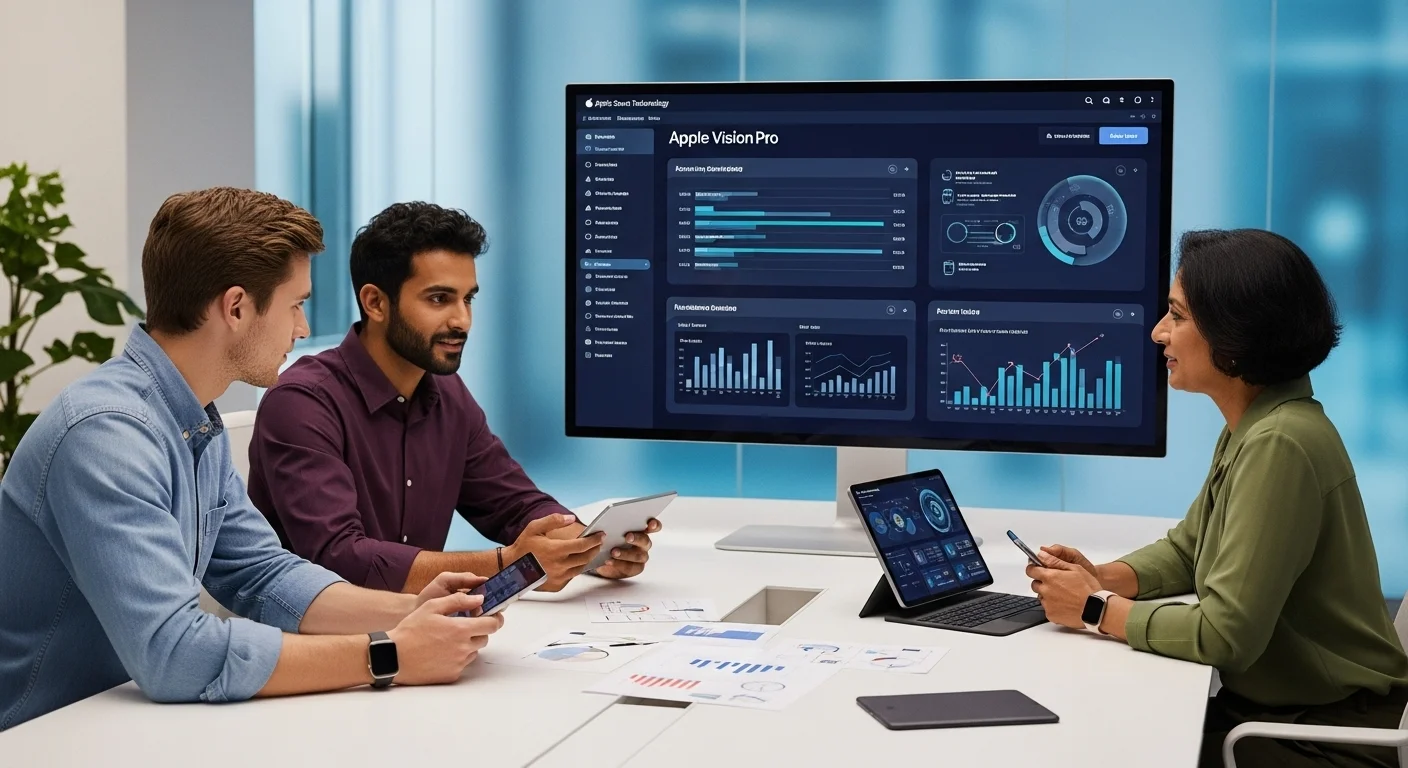
You can apply these same ideas to a business. A smart office can be more efficient, secure, and a better place to work. For a small company, this could be as simple as an 'Office Closed' scene that turns off all lights, electronics, and adjusts the heat with one command. Smart locks can track employee access without physical keys. Water leak sensors in a server room or break room can prevent thousands in damages. For businesses that see clients, like a therapist's office, HomeKit can help create the perfect ambiance. An automation can dim the lights, play soft music, and turn on a 'Do Not Disturb' light a few minutes before an appointment. Because it's so easy to set up and manage, business owners don't need a huge IT budget to deploy a smart, secure, and reliable system that enhances their space.
Pro Tips: Taking Your Apple Smart Home to the Next Level
Once you've got the basics down, this is where the real magic happens. Let's talk about the tips and tricks I've picked up over the years to make my HomeKit setup feel less like a collection of gadgets and more like an intelligent partner in my home. This is about moving from simple commands to a home that anticipates your needs, and it's what makes Apple's ecosystem so powerful for tech enthusiasts.
Mastering Advanced Scenes and Automations
The standard automations are great, but the 'Convert to Shortcut' option inside the automation creator in the Home app is your secret weapon. This lets you build 'if/then' logic right into your home.
- Conditional Logic is Key: For instance, instead of just having a motion sensor turn on a light, I have mine set up like this: 'IF motion is detected in the kitchen between sunset and sunrise, THEN set the under-cabinet lights to 30%. ELSE (meaning, if it's daytime), do nothing.' This simple condition makes the automation so much smarter and less annoying.
- Combining Sensors: Get creative by using multiple triggers. I have an automation for my back porch: 'IF the patio door opens, AND the outdoor brightness sensor reads 'dark,' THEN turn on the porch light.' This way, the light doesn't turn on every time I let the dog out during the day.
- The 'Dummy Switch' Trick: This is a more advanced technique, but it's amazing. Using tools like Homebridge (for the tinkerers out there), you can create a virtual switch that doesn't control anything real. It just exists in your Home app. I have one called 'Guest Mode.' When I turn it on, it triggers a set of automations: the guest room temperature is adjusted, the Wi-Fi password appears on a smart display, and certain late-night automations are disabled. It's like a master control for different states of your home.
- Refine Your Scenes: Take your scenes to the next level. My 'Movie Night' scene doesn't just dim the lights. It also tells my iPhone to enter the 'Do Not Disturb' focus mode and sets the Apple TV remote to open on my screen. Think about the entire experience, not just the lights.
Unlocking Superpowers with Siri and Apple Intelligence
HomeKit's true strength is how deeply it's woven into the rest of the Apple ecosystem. Siri Shortcuts are a perfect example.
- Personalized Siri Commands: Instead of the default 'Activate Good Night,' I've created a Shortcut with the custom phrase, 'Hey Siri, I'm heading to bed.' This phrase not only runs my 'Good Night' scene but also sets my alarm for the next morning and tells my HomePod to play 30 minutes of rain sounds.
- NFC Tag Magic: This feels like living in the future. I bought a pack of cheap NFC stickers online. I have one on my nightstand; when I tap my iPhone on it, it triggers that whole 'heading to bed' sequence. I have another one on my espresso machine that runs my 'Good Morning' scene. It's incredibly satisfying.
- The Future with Apple Intelligence: This is the next frontier. As Apple Intelligence rolls out, the goal is for your home to become more proactive. Imagine your home noticing that you turn on the same lights and start a playlist every Friday evening and suggesting an automation for you. Because Apple is committed to on-device processing, this intelligence will be personal to you and private, without sending your life's patterns to the cloud. Keeping your devices updated is the best way to be ready for these new capabilities as they arrive.
Keeping Your Smart Home Safe and Snappy
A smart home needs a little care and feeding to stay fast and secure. Here are my non-negotiables for a healthy system.
- Your Wi-Fi is Everything: I can't stress this enough: don't cheap out on your Wi-Fi. A modern mesh system (like Eero or Deco) is the single best upgrade you can make for a responsive smart home. It blankets your home in a strong signal, killing dead spots. And again, if a device doesn't move, like an Apple TV hub, plug it in with an Ethernet cable.
- Update, Update, Update: Keep your iPhone, HomePods, and Apple TV updated. Just as important, check for firmware updates for your accessories in their native apps. These updates bring security patches, bug fixes, and sometimes brand-new features like Matter support.
- Consider a HomeKit Secure Router: For the truly security-conscious, a router with HomeKit Secure Router capabilities can put your smart accessories in a digital 'quarantine,' preventing them from accessing the open internet. This means even if one device had a vulnerability, it couldn't be used to attack anything else on your network.
- Tame Your Notifications: When you first start, it's easy to get buried in alerts. Go into the Home app and be ruthless. For my outdoor camera, I only want alerts for 'People,' not every time a car drives by. You can also set notifications to only be active at certain times. A well-curated notification system is a helpful one, not a nuisance.
- Community Wisdom: When you're ready to go even deeper, the r/HomeKit subreddit is an amazing community. I've learned so many clever tricks and found solutions to tricky problems just by reading through the discussions there.
By using these strategies, your smart home will evolve from a fun project into a seamless, intelligent part of your life. It's an investment in convenience and security that truly pays off.
Expert Reviews & Testimonials
Sarah Johnson, Business Owner ⭐⭐⭐
The info on Apple's smart tech is solid, but I was hoping for more real-world examples for a small business owner like me. It's a good start, though.
Mike Chen, IT Consultant ⭐⭐⭐⭐
This was a really helpful overview of Apple Smart. It clarified a lot for me, but a few of the more technical bits could have been broken down a little more.
Emma Davis, Tech Expert ⭐⭐⭐⭐⭐
Fantastic article! As a tech professional, I found this deep dive into Apple Smart incredibly thorough and well-explained. It helped me connect the dots perfectly.